Insights.
Filter, aggregate and visualize your data with insights.
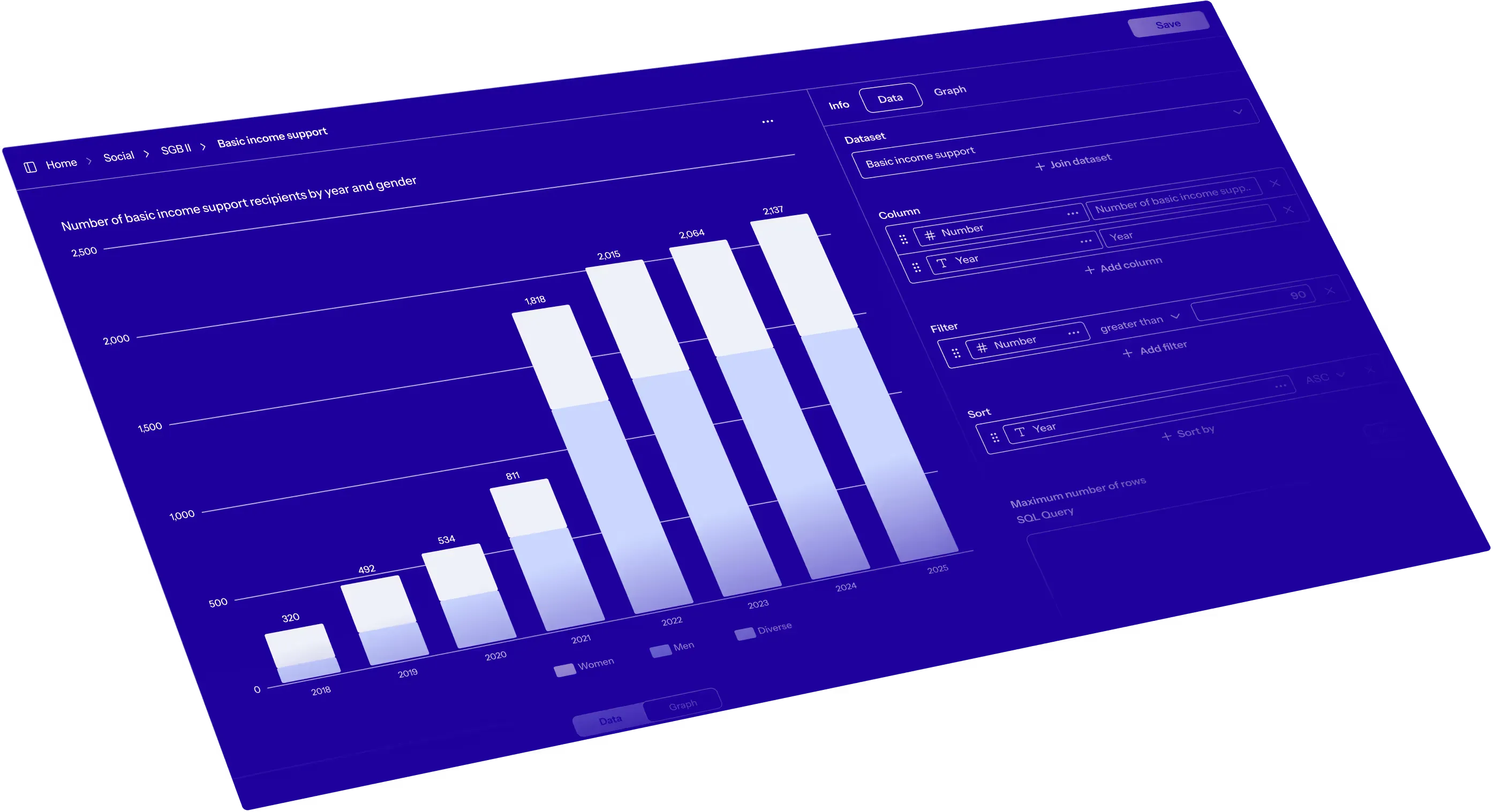
How insights work.
↳ Filter, aggregate and visualize.
With the Insights module you can perform detailed analyses based on any dataset. Aggregate large volumes of data, filter and group columns, and visualize your results. Link columns across different datasets to deepen your analyses. You can then combine your insights into comprehensive reports or dashboards.
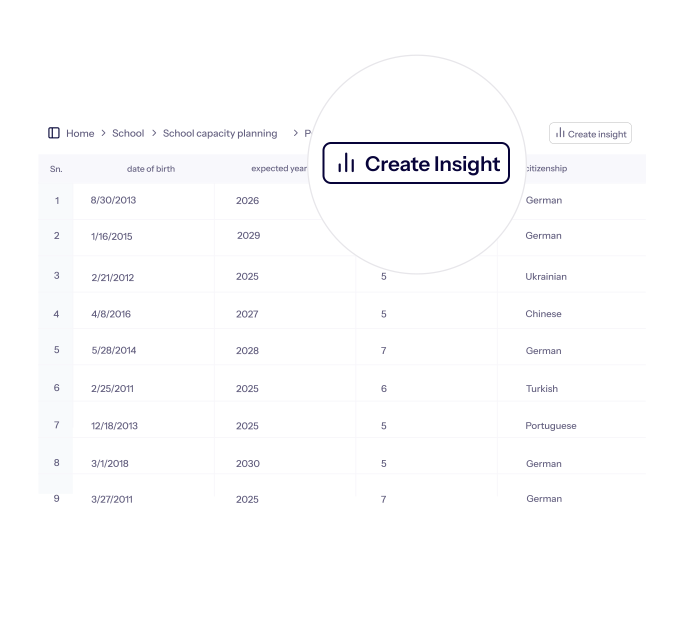
Select a dataset and get started.
Start your insight directly from your data.
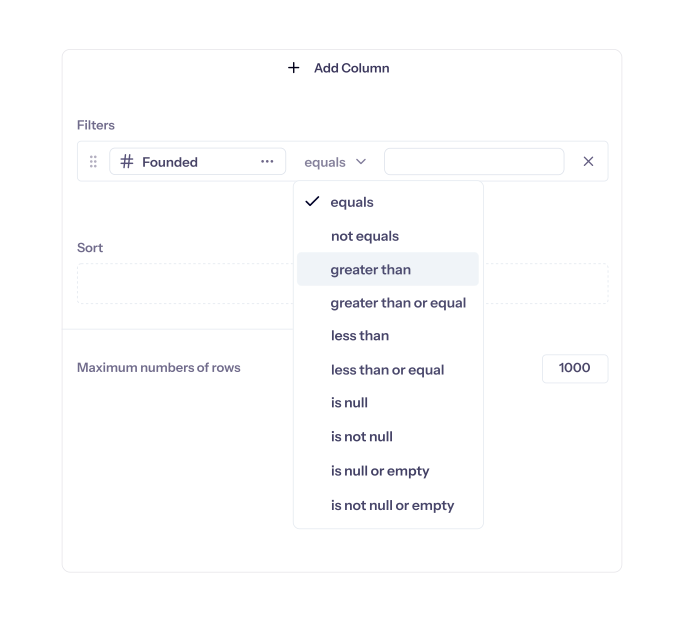
Create insights without writing any code.
Perform all your configurations via the user interface without any programming skills.
Functionalities.
Data.
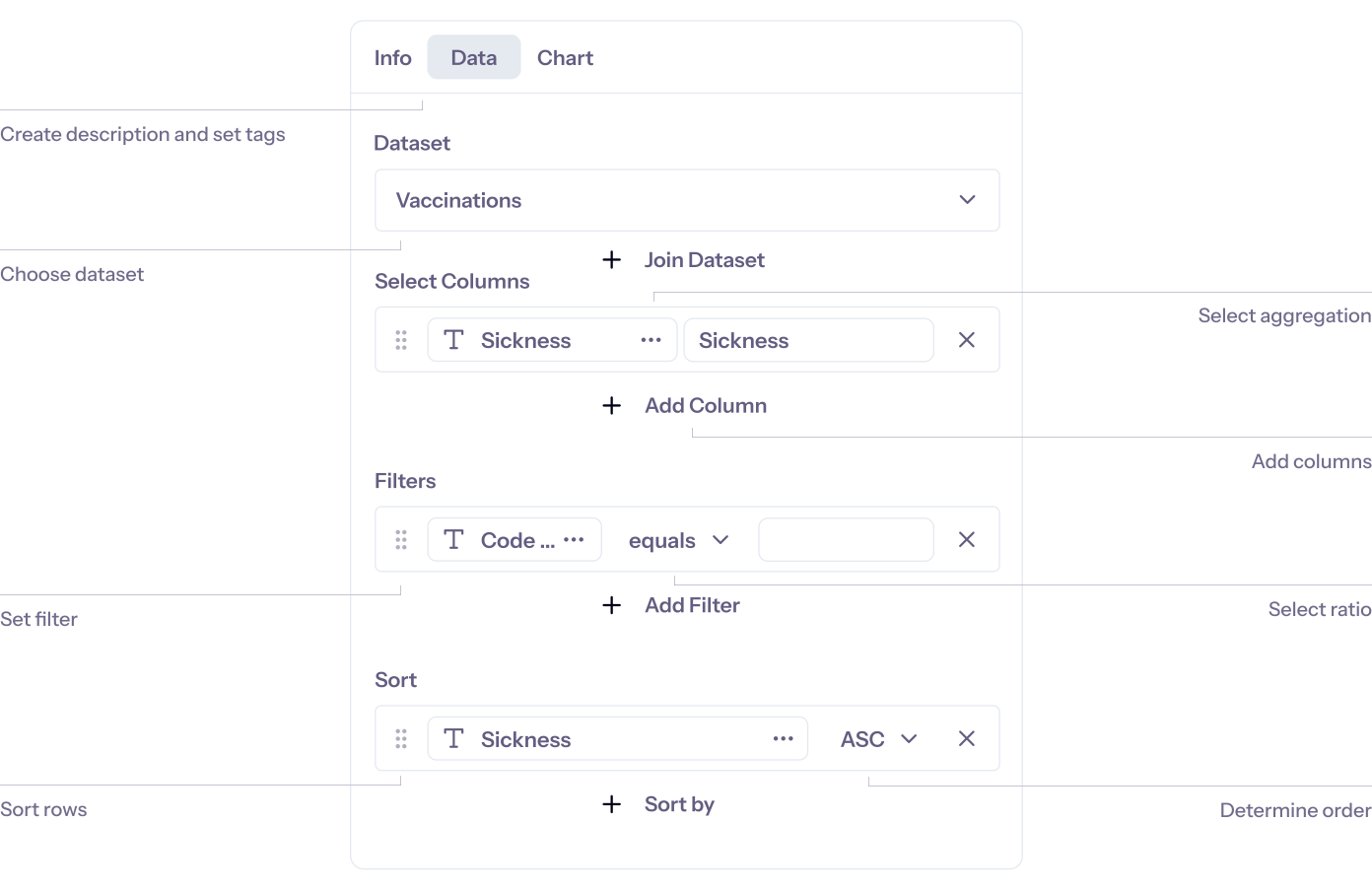
Aggregate.
- Count existing values
- Count unique values
- Count missing values
- Unique values
- Sum of values
- Smallest value
- Biggest value
- Average of values
Filter.
- Equals
- Not equals
- Is null
- Is not null
- Is null or empty
- Is not null or empty
- Greater than
- Greater than or equal to
- Less than
- Less than or equal to
Order.
- Ascending
- Descending
Visualizations.
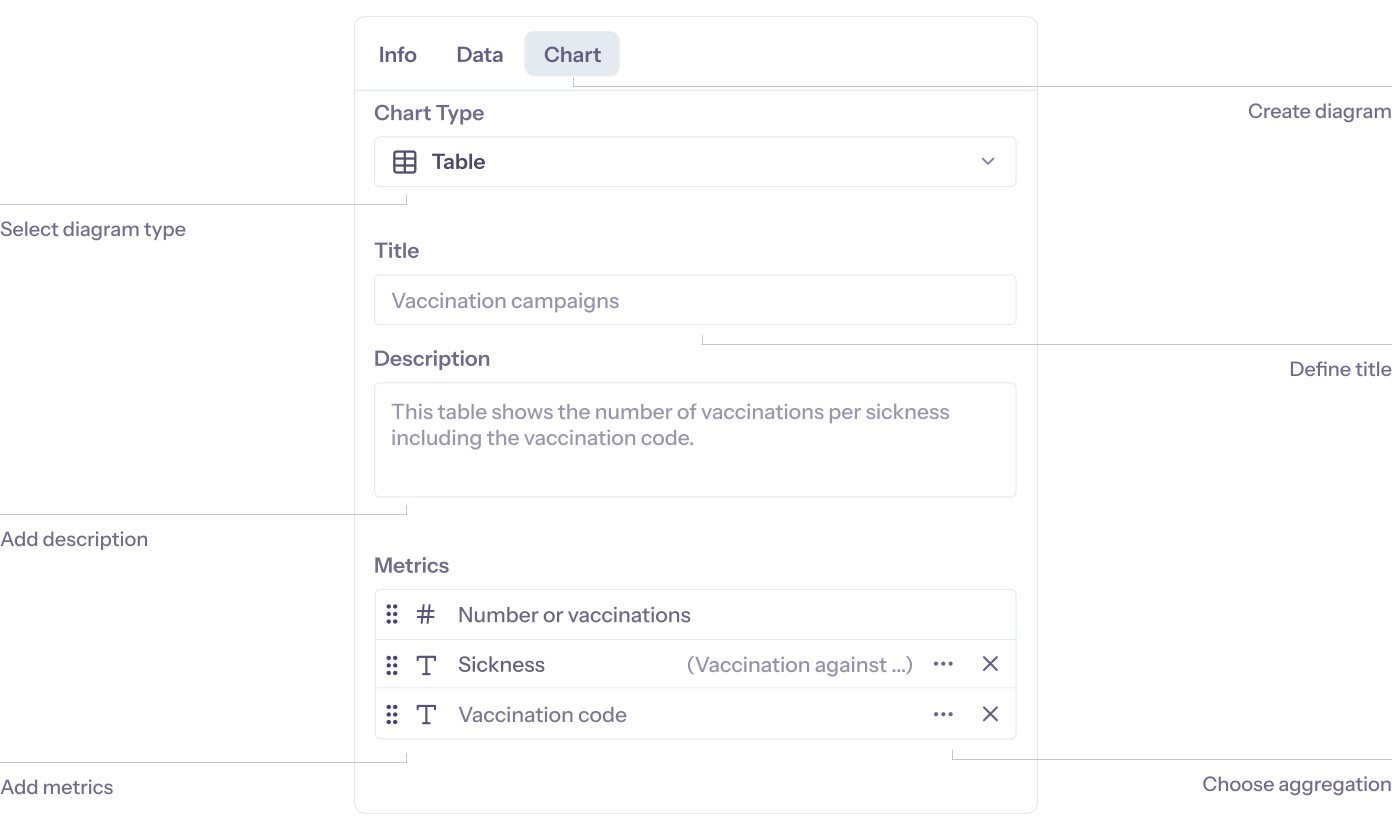
Chart Types.

Table.
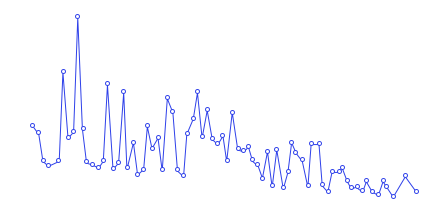
Line chart.
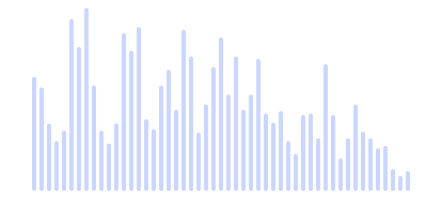
Bar chart.

Pie chart.

Key figure.
Save and export.
- Picture (png)
- CSV
- Excel
- JSON
- Parquet