Forms.
Collect data via forms, conduct surveys and provide online services.
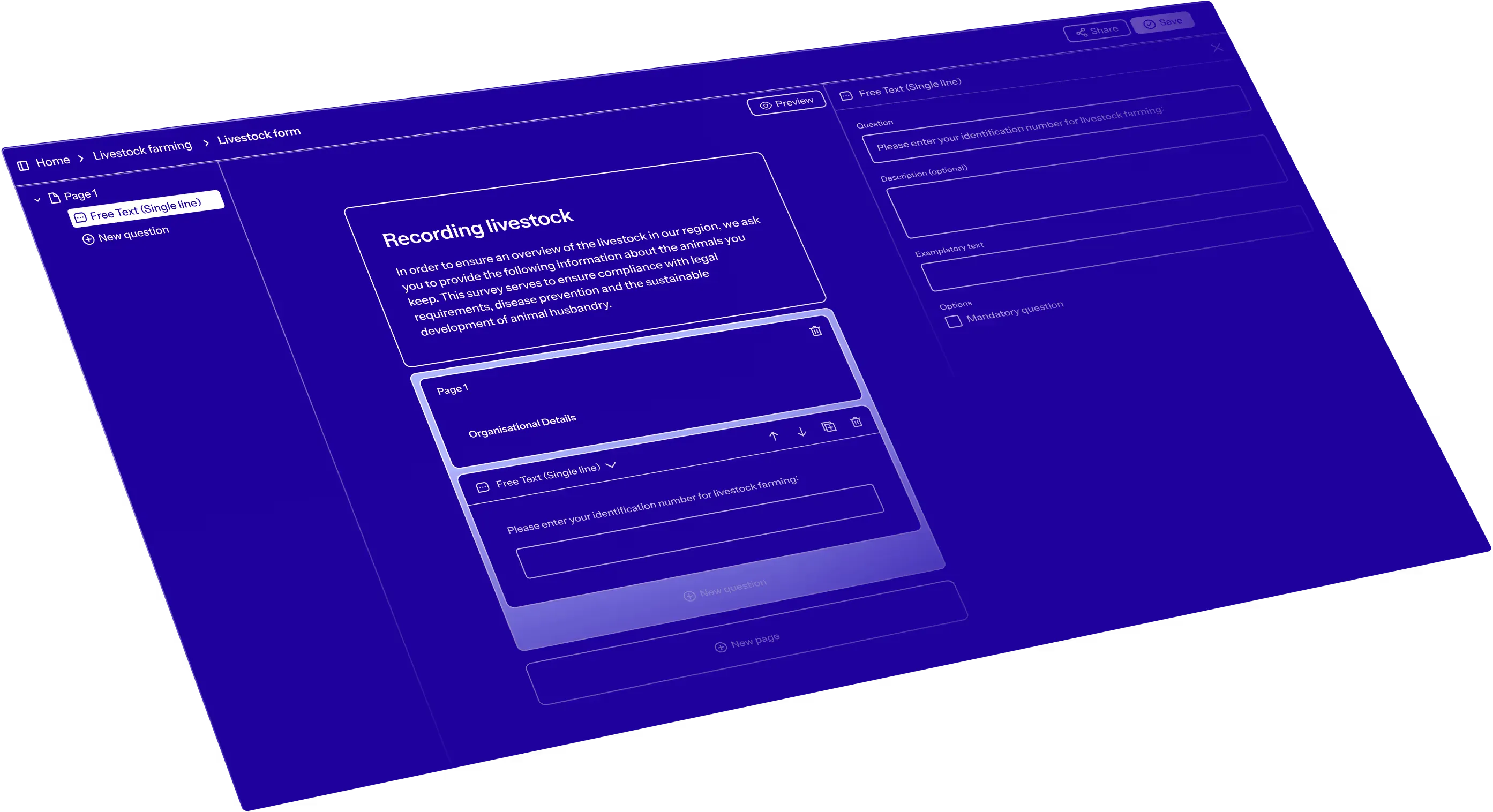
How Forms work.
↳ Collect, survey and provide.
The Forms module allows you to drag and drop various question types into structured pages to collect data, conduct surveys, and provide online services. Each submission can be reviewed individually and then added to a dataset for continued use.
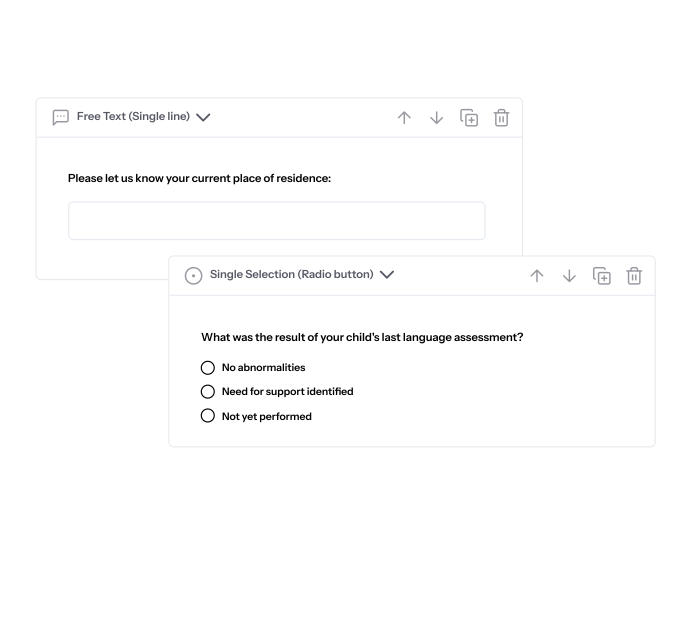
Create forms with various question types.
Build forms using drag and drop with different question types such as text fields, multiple choice options, or date inputs.
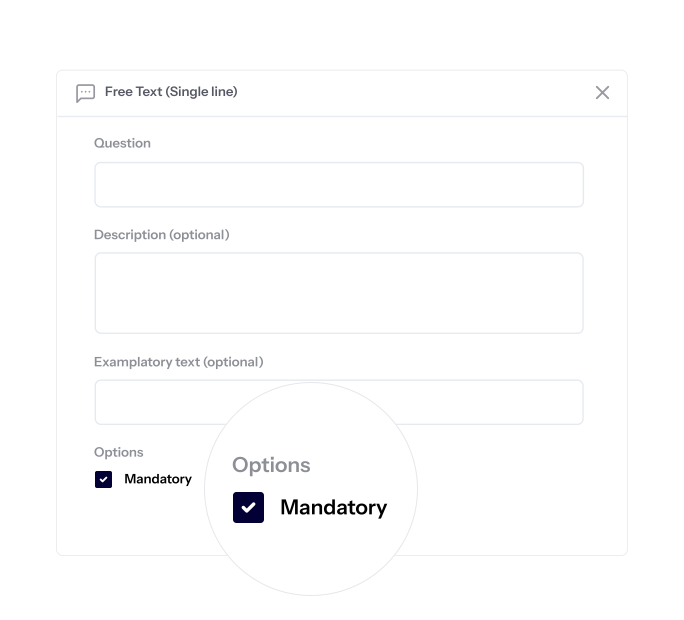
Configure validations and required fields.
Ensure that all submitted data is complete and accurate.
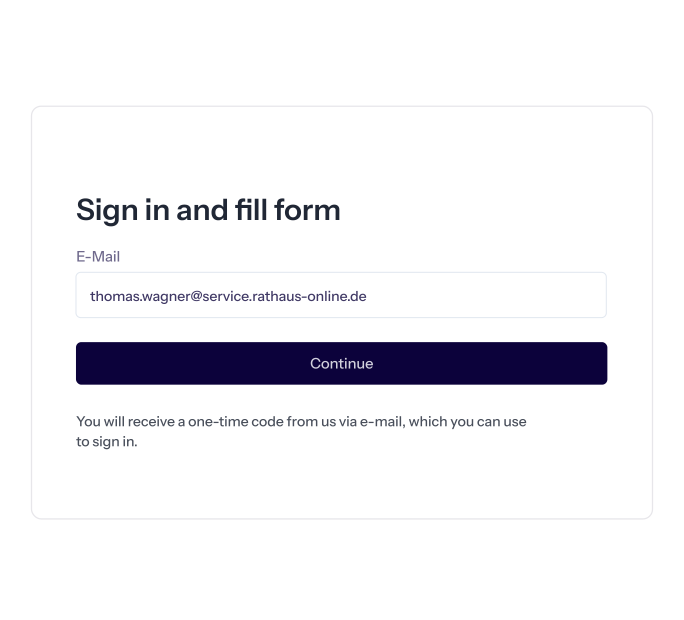
Login-protected portal for form submissions.
Use a login-protected portal to enable secure and personalized data submissions.
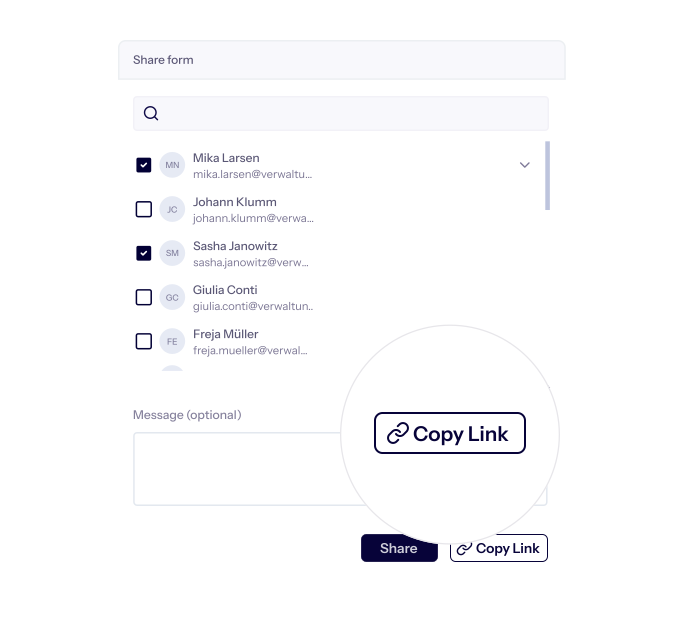
Share forms directly or invite via link.
Share forms either directly or via a link and reach the right people - without logging in.
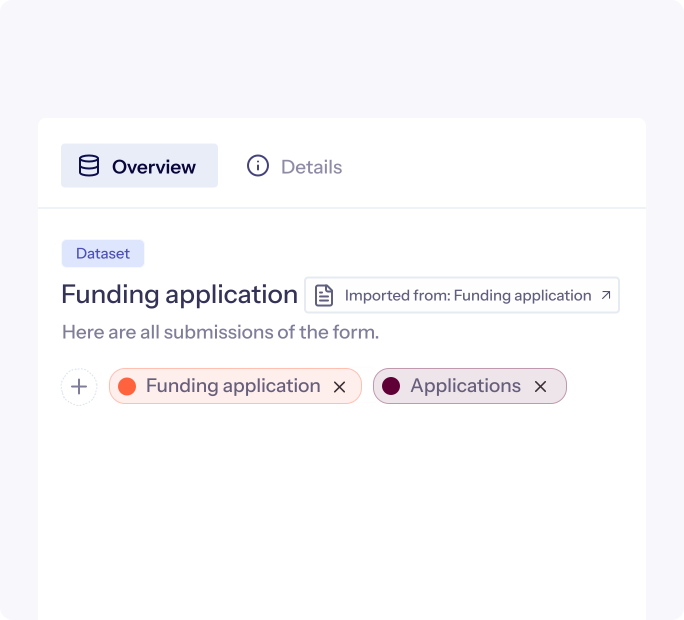
Transform your submissions into a dataset.
By publishing a form, a dataset is automatically created where all submissions are centrally available for further use.
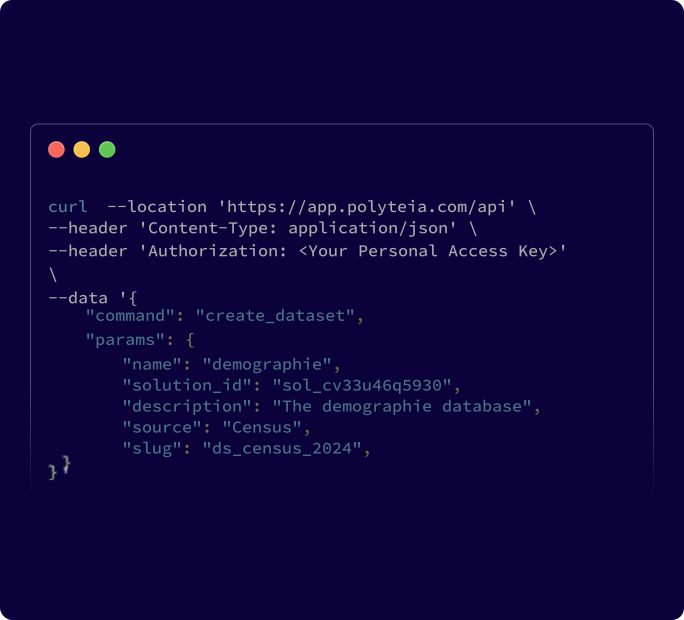
Use APIs to connect with third-party tools.
Write data from submitted forms to external systems using the Datasets feature and API.
Question types.
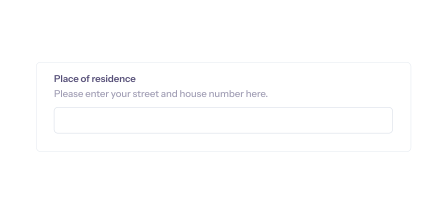
Free text (single line).
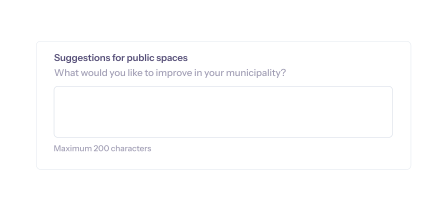
Free text (paragraph).
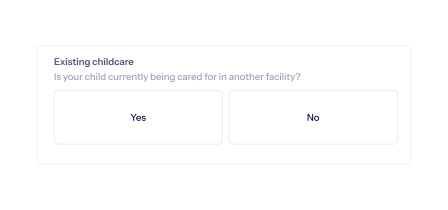
Yes / No.
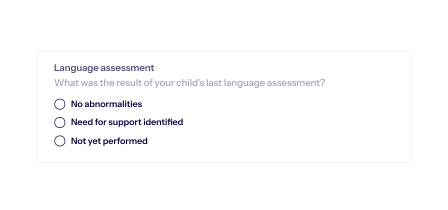
Single selection (radio button).
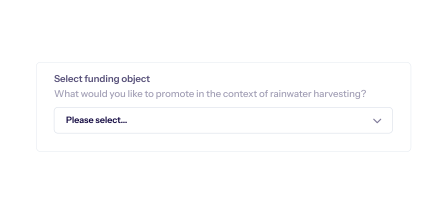
Single selection (drop-down list).

Multiselection.